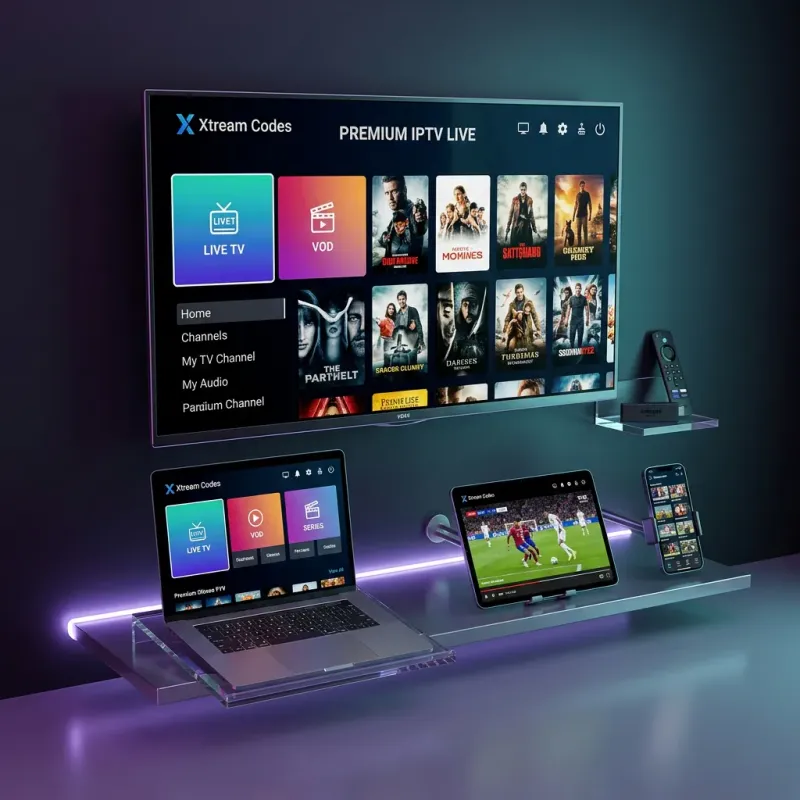
The Amazon Firestick is by far the most popular device for IPTV streaming. It's affordable, portable, and powerful enough to handle 4K content. If you've just subscribed to Xtream Codes (or you're about to start your free 24-hour trial), this guide will walk you through the complete setup process from start to finish.
The entire process takes under 5 minutes, and you don't need any technical expertise. Let's get your xtream codes up and running on your Firestick.
What You'll Need
Before we begin, make sure you have:
- An Amazon Firestick (any generation: Lite, 4K, 4K Max, or Fire TV Cube)
- A stable internet connection (25+ Mbps recommended for HD/4K)
- Your Xtream Codes login credentials (server URL, username, password), received via email after subscribing
- If you haven't subscribed yet, start a free trial or pick a plan
Before You Start: Two Choices That Decide How This Goes
Most failed Firestick setups are not step problems. They are choice problems made before step one. Get these two right and the rest is five minutes of clicking.
Which Firestick actually matters
Any Firestick made after 2020 runs Xtream Codes fine, but they are not equal. The Fire TV Stick 4K Max (about $55 on sale) has a faster processor and WiFi 6, which is what keeps 4K streams smooth when the whole house is online at night. The 4K model is the sensible middle. The Lite works, but it stutters on 4K sports and the interface lags. If you are buying one today, buy the 4K Max. If you already own a Lite or an older stick, set your player's video decoder to Hardware and cap the stream at 1080p, and it will serve you fine for most channels.
Which player app to pick (and why it matters more than the stick)
The player is the app you will live inside every day, so this choice matters more than the hardware. IPTV Smarters Pro is the pick for most people: the Xtream Codes API login is built in, the layout is simple, and it is the app every guide (including the rest of this one) assumes. TiviMate is the better choice if you watch live TV every night, because its TV guide is genuinely excellent and it remembers where you stopped. It costs about $10 a year for the premium unlock. XC IPTV Player is the lightweight option for older sticks with little free storage. Pick one. Do not install all three to "compare" because each one holds your login separately, and logging into three apps at once can trip the connection limit on your plan.
Step 1: Enable Developer Options on Your Firestick
By default, Firestick blocks app installations from outside the Amazon App Store. You'll need to enable this feature first:
- From the Firestick home screen, navigate to Settings (gear icon)
- Select My Fire TV
- Choose Developer Options
- Toggle "Install Unknown Apps" to ON
- If you see specific apps listed, enable it for the Downloader app
Note: On newer Firestick models (2023+), the option may be under Settings → My Fire TV → Developer Options → "Install unknown apps" → Turn on for specific apps. If you don't see Developer Options, go to Settings → My Fire TV → About → click on your device name 7 times rapidly to unlock developer mode.
Step 2: Install the Downloader App
The Downloader app is a free utility that lets you download and install apps from URLs:
- Go to the Amazon App Store on your Firestick (Search icon)
- Search for "Downloader" by AFTVnews
- Select the app (it has an orange icon) and click Download/Install
- Wait for the installation to complete
Step 3: Install Your IPTV Player App
Now you'll use Downloader to install an IPTV player. We recommend IPTV Smarters Pro because it is the most popular and reliable player for xtream codes:
- Open the Downloader app
- In the URL bar, enter the download URL for IPTV Smarters Pro
- The APK file will download, which takes about 30 seconds
- When prompted, tap "Install"
- After installation, tap "Open" or "Done"
- You can delete the downloaded APK to save space
Alternative players: You can also use TiviMate (best EPG experience), XC IPTV Player (lightweight), or any other xtream codes API-compatible player. The setup process is similar for all of them.
Step 4: Configure Xtream Codes Login
This is where you connect the app to your Xtream Codes subscription. Take your time here, because this is the step where nearly every mistake happens:
- Open IPTV Smarters Pro
- You'll see login options. Select "Login with Xtream Codes API"
- Enter the following credentials from your welcome email:
- Any Name: Enter any name (e.g., "My IPTV")
- Username: Your xtream codes username
- Password: Your xtream codes password
- Server URL: The server URL (starts with http://)
- Tap "Add User" or "Login"
- Wait for the channel data to load (this may take 30-60 seconds on first login)
Step 5: Start Watching!
Congratulations! You're now connected to Xtream Codes on your Firestick. Here's how to navigate:
- Live TV: Browse by country, category, or search for specific channels
- VOD (Movies): Access the movie library organized by genre
- Series: Find TV series with all episodes and seasons
- EPG: Check the Electronic Program Guide to see what's on
The Three Mistakes That Cost People an Hour
Support sees the same three setup failures every week. All three are avoidable in about ten seconds.
1. The letter O versus the number 0. Xtream Codes usernames and passwords are case-sensitive and often contain both. If you are typing the credentials from a phone screen onto the Firestick remote keyboard, you will mix them up. The fix is to open the welcome email on your phone and re-type each field slowly by hand, reading it character by character. "Authorization failed" on a brand-new account is almost always this, not a dead account.
2. A stray space at the end of the server URL. Copy-pasting the server URL from an email frequently carries a trailing space or a missing `http://` prefix. If channels never load and the app sits on a spinning circle, delete the URL field and re-type it completely, including the `http://` and the port at the end, with no spaces.
3. Testing at the wrong moment and blaming the service. First-time users install at 9 PM on a Saturday, hit ISP peak congestion, and conclude the service buffers. It does not. Run your first real test the next morning or afternoon, and if evenings are the only time it stutters, that is your internet provider throttling streaming traffic. A $3-a-month VPN fixes that specific problem every time. Comcast, Spectrum, and AT&T are the three providers our users name most for this.
Tips for the Best Firestick Experience
- Use Ethernet: For the most stable connection, use an Amazon Ethernet Adapter for wired internet
- Clear cache regularly: Go to Settings → Applications → Manage Installed Applications → IPTV Player → Clear Cache
- Keep your Firestick updated: Regular firmware updates improve performance
- Use 5GHz WiFi: If using WiFi, connect to your 5GHz band for faster speeds
- Restart before major events: Restart your Firestick before big sports events for optimal performance
Troubleshooting Common Issues
If you experience issues, check these common solutions:
- "Authorization failed": Double-check your credentials (case-sensitive!)
- Buffering/freezing: Check internet speed, try VPN, or see our troubleshooting guide
- Can't install app: Make sure Developer Options are enabled (Step 1)
- No channels loading: Restart the app and re-login
Xtream Codes Firestick Setup: Quick Answers
Which Firestick is best for Xtream Codes?
The Fire TV Stick 4K Max. It has the fastest processor and WiFi 6, which is what keeps 4K sports smooth during peak evening hours. The standard 4K model is a solid second choice. The Lite works for 1080p but lags on 4K, so if that is what you own, set your player decoder to Hardware and cap streams at 1080p.
What is the best IPTV player for Firestick?
For most people, IPTV Smarters Pro: the Xtream Codes API login is built in and the setup matches every guide. If you watch live TV nightly, TiviMate is worth its $10-a-year premium unlock for the far better TV guide. On older sticks with little storage, XC IPTV Player is the lightweight option. Install one, not all three, or you can trip your plan's connection limit.
Why does it say "authorization failed" during setup?
Three causes in order: a typo (the letter O versus the number 0 is the classic one, and credentials are case-sensitive), a trailing space or missing http:// in the server URL, or an expired subscription. Re-type all three fields by hand from the welcome email, then restart the app. That resolves it in almost every case.
Do I need a VPN on Firestick for IPTV?
Not for the service to work, but yes if your streams stutter only in the evening. That pattern is your ISP throttling streaming traffic, and a VPN hides the traffic type so the throttle never engages. It is a $3-a-month fix for a very specific problem. If your speed is fine at all hours, you do not need one.
Can I use the same Xtream Codes login on my Firestick and my phone?
Yes. One subscription works on every device you own. The limit is simultaneous connections, not devices: a 1-connection plan streams on one screen at a time. So you can have the app installed on the Firestick, your phone, and a tablet, and simply not watch on two at once. If you regularly want two screens, pick a multi-connection plan on the pricing page.
Do I need to pay before I can test it on my Firestick?
No. The free 24-hour trial gives you full credentials with no credit card, so you can do this entire setup, watch a prime-time game on your own TV and internet, and judge the quality yourself before paying anything. That is the honest way to evaluate any IPTV service, and it is why we offer it.
For additional help, contact our support team and we will get you sorted, usually within 2 hours.